Stop CMS Citations: Same Day Tray Card Rules for U.S. Nursing Homes
Stop CMS Citations: Same Day Tray Card Rules for U.S. Nursing Homes
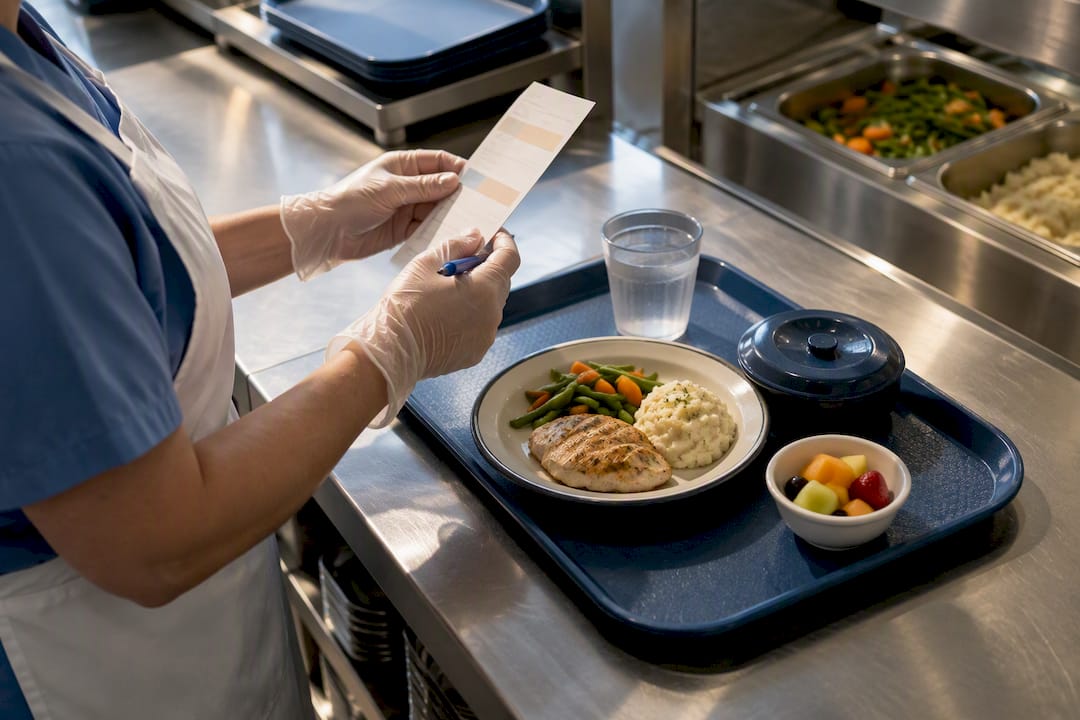
A tray card is the meal-specific clinical document that tells kitchen and nursing staff exactly what a resident can safely eat: diet order, texture and thickener level, allergies, adaptive equipment, supplements, and beverage preference. The single highest-priority action for administrators is updating and verifying that card the same day a physician or dietitian changes an order, then confirming it again at the bedside before the tray leaves the cart. Skip that step and you risk aspiration, malnutrition, and a citation you cannot talk your way out of.
TL;DR:
- Ensuring tray cards are updated on the same day a diet order changes reduces the risk of feeding errors and compliance violations.
- Using color-coded, high-contrast, and legible tray cards helps staff quickly identify modifications and prevent mismatches before food is served.
- Digital tray card systems provide real-time updates and clear audit trails but require staff training and backup printed copies for reliability.
- Implementing a structured workflow with designated ownership and regular bedside verification minimizes handoff errors and staff misunderstandings.
- Starting with a pilot unit, tracking key metrics like same-day update percentage, can demonstrate improvements and facilitate facility-wide adoption.
Table of Contents
- Why Tray Cards Matter for Nursing Home Compliance and Safety
- What Every Tray Card Must Include
- Printed vs. Digital Tray Cards: Choosing the Right Format
- Building a Tray Card Workflow That Actually Holds Up
- Where Tray Card Systems Break Down (and How to Fix Them)
- Technology’s Role in Cutting Tray Card Errors
- Where Leaders Should Start This Week
- Bring Tray Card Discipline to Every Shift With MyLTCApps
- Sources
- FAQ
Why Tray Cards Matter for Nursing Home Compliance and Safety
Tray cards exist because federal law says they have to. Under 42 CFR § 483.60, facilities must provide food and fluids that meet each resident’s assessed nutritional needs, including modified textures and thickened liquids, and must keep documentation current when those needs change. A tray card that still says “regular diet” three days after a swallow study calls for nectar-thick liquids is not a paperwork glitch. It is a violation with a resident attached to it.
The regulation only works when four elements line up:
- The physician’s diet order
- The dietitian’s nutritional assessment
- The written care plan and tray card
- The food actually plated and delivered
When any one of those four breaks from the others, the consequences show up fast. A missed allergy flag causes an anaphylactic event. A texture mismatch causes a choking incident. Surveyors trace these chains backward from an incident report to the tray card, and a stale card is the easiest deficiency to prove.
What Every Tray Card Must Include
A usable tray card is not a menu slip. Following the format outlined in the US Foods tray card reference manual, the standard fields are:
- Resident name and room/bed identifier
- Meal, date, and time
- Diet order, including texture level and thickener type
- Allergies and food dislikes
- Supplements and their scheduled times
- Adaptive eating equipment (built-up handles, plate guards, nosey cups)
- Beverage preference
- Any meal-specific instruction (small portions, finger foods, hand-over-hand assistance)
- Dietitian or clinician sign-off with a date and time stamp
Legibility is not a nice-to-have. Print with a large, high-contrast font, and use consistent icons for common modifications: a cup icon for thickened liquids, a fork-and-spoon icon for puree, a color band for the modification tier. Color-coding by diet texture (say, yellow for mechanical soft, red for puree) lets trayline staff catch a mismatch from three feet away, before the tray ever reaches a resident’s table.
Every same-day change needs a visible trace: who changed it, when, and who verified it at the tray line. According to guidance tied to 42 CFR, that audit trail matters as much to a surveyor as the change itself.
Pro Tip: Keep a physical or digital “changed today” flag on any tray card updated within the last 24 hours. It forces a second look from whoever assembles that tray, which is exactly the extra five seconds that prevents an error.
Printed vs. Digital Tray Cards: Choosing the Right Format
Facilities generally choose between two printing approaches, and most use both depending on the meal and the unit.
- Resident-specific tray cards. One card per resident per meal, printed fresh for each service. This is the standard for anyone with a modified diet, allergy, or supplement schedule.
- Selective or menu-based tray cards. A single sheet listing the meal’s menu options with icons flagging allergy or equipment needs, useful for residents on a regular diet with no modifications.
- Grouped printing by unit and meal. Most facility systems, including the format described in the US Foods manual, default to three cards per page but allow a two-per-page layout when larger fonts are needed for low-vision residents.
Digital tray cards win on speed. An order change syncs in real time instead of waiting for the next print run, and legibility issues from handwriting or smudged toner disappear entirely. But digital only works if the trayline has a screen or tablet at the assembly point, and every facility needs a printed backup for downtime, power outages, or a survey team that wants a paper trail on the spot.
Building a Tray Card Workflow That Actually Holds Up
Most tray card failures are not knowledge failures. They are handoff failures between the person who knows about the change and the person plating the food. A tight workflow closes that gap.
- Assign ownership. One person (usually a charge nurse or MDS coordinator) owns entering diet order changes into the system. One person on dietary owns printing or syncing cards. One person on the trayline owns bedside verification.
- Same-day update, no exceptions. The moment a clinician changes an order, it goes into the tray card system before the next meal service, not the next shift.
- Sync on a schedule tied to meal times, not a generic once-a-day print run. Breakfast, lunch, and dinner each need their own print or sync window.
- Time the trayline. The Kansas State University dining guide recommends clocking the cart from kitchen to table and spot-checking the temperature of the last tray delivered, since a slow trayline degrades both food safety and food quality.
- Bedside verification with initials. The nurse or aide delivering the tray checks the card against the resident before the tray is set down, then initials or signs off.
- Handle admissions and late meals separately. New admissions get priority printing so day-one meals are never a guess, and any hot-hold delay gets logged with a reason, not just a shrug.
Pro Tip: Build a 10-minute pre-meal huddle into the schedule where dietary and nursing review that day’s changes together. It costs almost nothing and catches the errors a printed card alone will not.
One caution on staffing: feeding assistance and closer tray verification take real time. Research on dining interventions found that structured feeding assistance required an average of 38 minutes per resident per meal, versus 9 minutes under usual care. Budget for that before you promise a faster rollout than your staffing supports.
Where Tray Card Systems Break Down (and How to Fix Them)
The most common failure is not a bad template. It is a broken feedback loop between nursing, who knows about the diet change, and dietary, who prints the card. A qualitative study of nursing home food service staff found that fragmented communication and unclear accountability were the top barriers staff identified to improving mealtime operations, ahead of budget or menu complaints.
Fix it with structure, not goodwill:
- Run a daily huddle between a charge nurse and a dietary lead, five minutes, same time every day.
- Name one culinary liaison per unit who owns catching discrepancies before trayline.
- Cross-train new hires on both sides so nursing understands print deadlines and dietary understands why “just a snack” isn’t optional documentation.
- Standardize the card format facility-wide so no unit is running its own homemade version.
- Require a timestamp on every printed or digital card showing the last update, checked against the dietitian’s note during weekly audits.
Technology’s Role in Cutting Tray Card Errors
Manual transcription is where errors creep in. Automated tray card systems can cut label transcription time from two or more hours a day down to a few minutes, according to the US Foods reference manual, simply by pulling the order once instead of re-typing it for every meal.
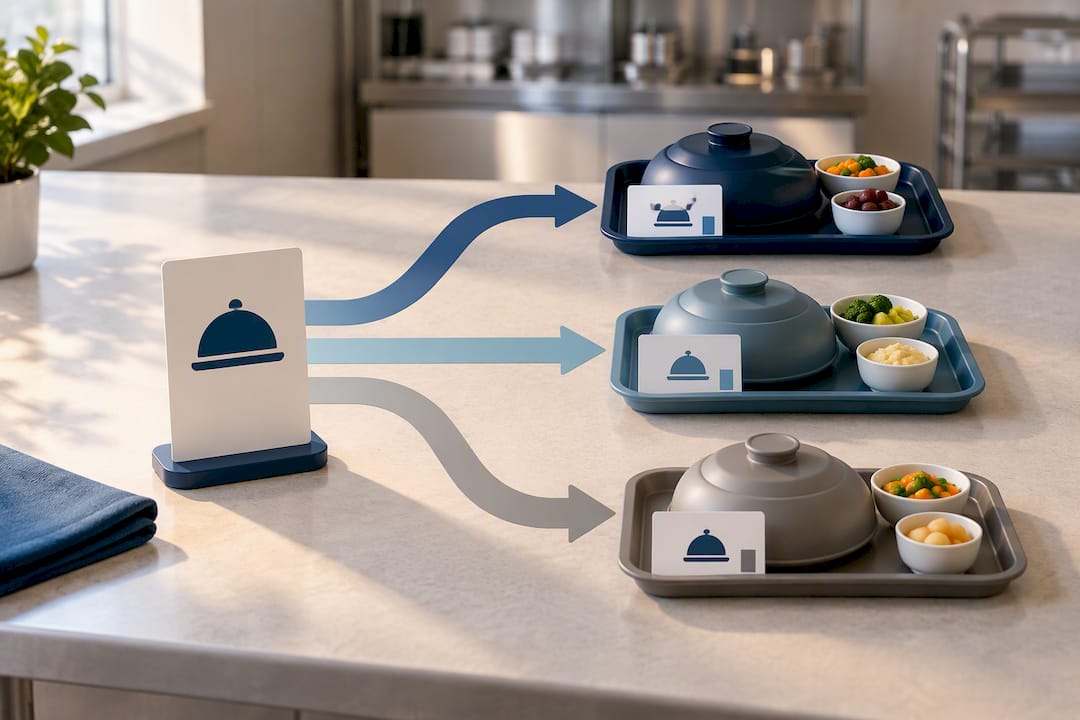
Digital does not fix everything on its own, though. A study on computerized tray card systems found that legibility improves with computerization, but trayline speed and accuracy still depend on a readable layout and staff who are actually trained on the new format. A well-built database behind a cluttered screen still produces assembly errors.
When evaluating any tray card technology, look for:
- Real-time sync so an order change reaches the trayline the same shift, not the next print cycle
- Role-based access so nursing enters clinical changes and dietary confirms print status without stepping on each other
- Printable backups for downtime or surveyor requests
- Exportable audit reports showing who updated what and when
MyLTCApps’ My Café dining management tool and My Tasks module are built around that same logic: mobile-first task assignment and dining workflows that give staff same-day visibility on their phones, backed by a Compliance Suite for audit exports when survey week arrives.
Where Leaders Should Start This Week
Pick one unit and run a pilot before touching the whole facility. Trying to fix tray cards everywhere at once guarantees you fix nothing well.
Start with three moves: pilot the new format or workflow on a single unit, run one internal audit comparing tray cards against dietitian notes, and hold a 15-minute huddle between nursing and dietary leads to surface what is actually breaking down. Pick one number to track this month, either tray errors caught at verification or the percentage of same-day updates completed on time, and report it up the chain regardless of whether it looks good.
Small wins carry the argument for you. A trayline that runs eight minutes faster or a week with zero missed diet flags does more to win staff buy-in than any memo. Scale only after the pilot shows the workflow holds under real shift pressure, not just in a planning meeting.
— Philip
Bring Tray Card Discipline to Every Shift With MyLTCApps
Myltcapps gives administrators a phone-first alternative to juggling printed tray cards, spreadsheet trackers, and separate compliance binders across departments. Instead of chasing paper updates between nursing and dietary, My Café dining management keeps meal and diet data in one place, My Tasks assigns and confirms bedside verification steps to the right staff member, and the Compliance Suite generates the audit-ready exports a surveyor will ask for.

Same-day updates reach staff on the personal devices they already carry, which means a diet order change does not wait for the next print run to reach the trayline. Plans start at $199 per month, scaling up through higher-tier packages for facilities running more modules across more staff. Visit the pricing page to see which plan fits your facility’s headcount and module needs.
Sources
Build your facility’s tray card policy on primary sources, not secondhand summaries. Start with 42 CFR § 483.60 for the federal dietary services requirement, then the US Foods tray card reference manual for printable card formats and layout options. For trayline timing and delivery quality checks, the Kansas State University Open Dining guide offers concrete steps you can adapt into a training checklist. For workflow and process design, the Visual Trick guide to care facility workflow stages is a useful outside reference for mapping staff handoffs.
- 42 CFR § 483.60 — Food and nutrition services (Cornell Law)
- Tray Card Reference Manual — US Foods (BluePrint Tray Card system)
- The perceptions of food service staff in a nursing home on an upcoming transition towards a healthy and sustainable food environment
- Open Dining Resource and Implementation Guide (Kansas State University HHS)
FAQ
What information must a tray card include?
A tray card must show the resident’s diet order with texture and thickener level, allergies, dislikes, supplements, adaptive equipment needs, and beverage preference. The US Foods tray card manual lists these as the core fields every card needs regardless of format.
How quickly must a tray card be updated after a diet order changes?
Tray cards need updating the same day a physician or dietitian changes an order, before the next meal service. This same-day standard ties directly to the food and nutrition service requirements in 42 CFR § 483.60.
Are digital tray cards better than printed ones?
Digital cards sync changes faster and improve legibility, but a computerized system only helps if the layout is readable and staff are trained on it. Most facilities keep printed backups for downtime, admissions, and surveyor requests alongside their digital workflow.
Does MyLTCApps replace a facility’s tray card printing system?
Myltcapps does not print physical tray cards itself. Its My Café dining management and Compliance Suite tools support the same-day update and audit tracking that tray card accuracy depends on, accessible from staff phones.
What causes most tray card errors in nursing homes?
Most errors trace back to a communication gap between nursing, which knows about a diet change, and dietary, which prints or updates the card. A study of nursing home food service staff found fragmented communication was the top barrier staff identified to fixing mealtime operations.